

A real phone. Your favorite people, in their own voices.
The guest book that sounds like your favorite people.
A written note holds the words. A voice keeps the laugh, the pause, and the friend who starts with a joke and ends up saying what they mean. Put a real vintage or retro phone at your wedding and let LifeOnRecord care for every voice you gather.
- A wedding phone with your own greeting
- Remote contributions beyond the reception
- Editing, noise reduction, transcripts, and account tools
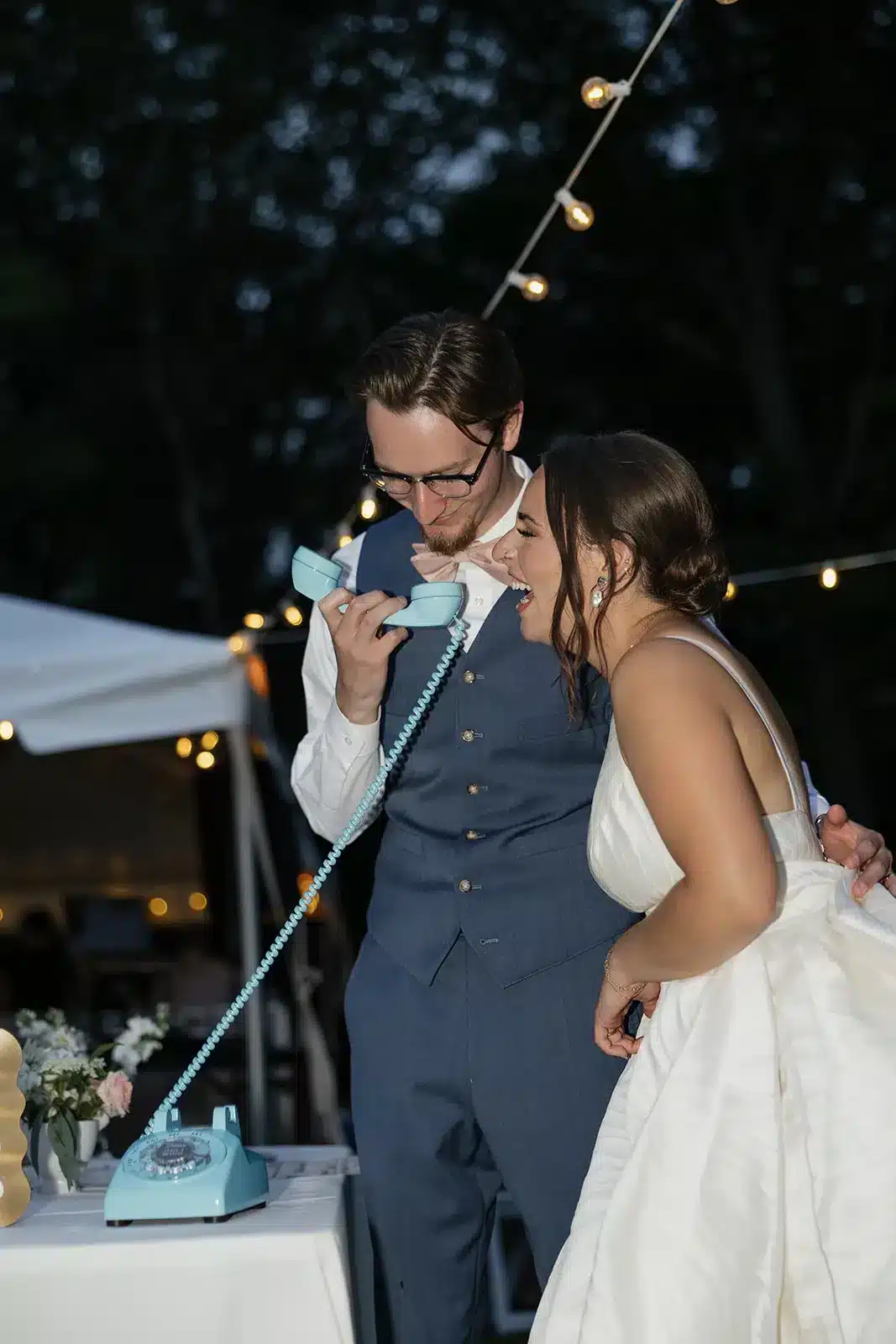
Pick the phone that belongs in your wedding photos.
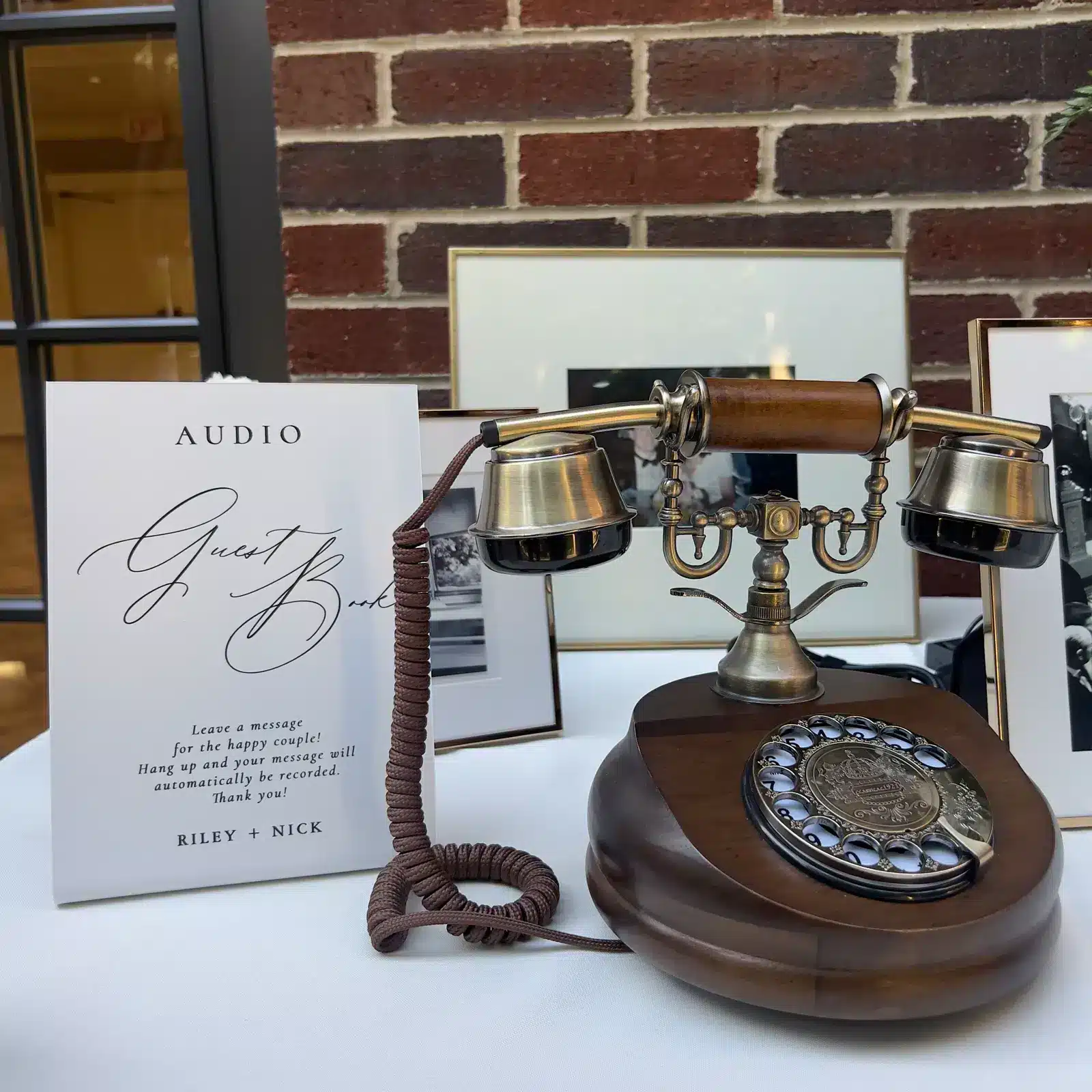
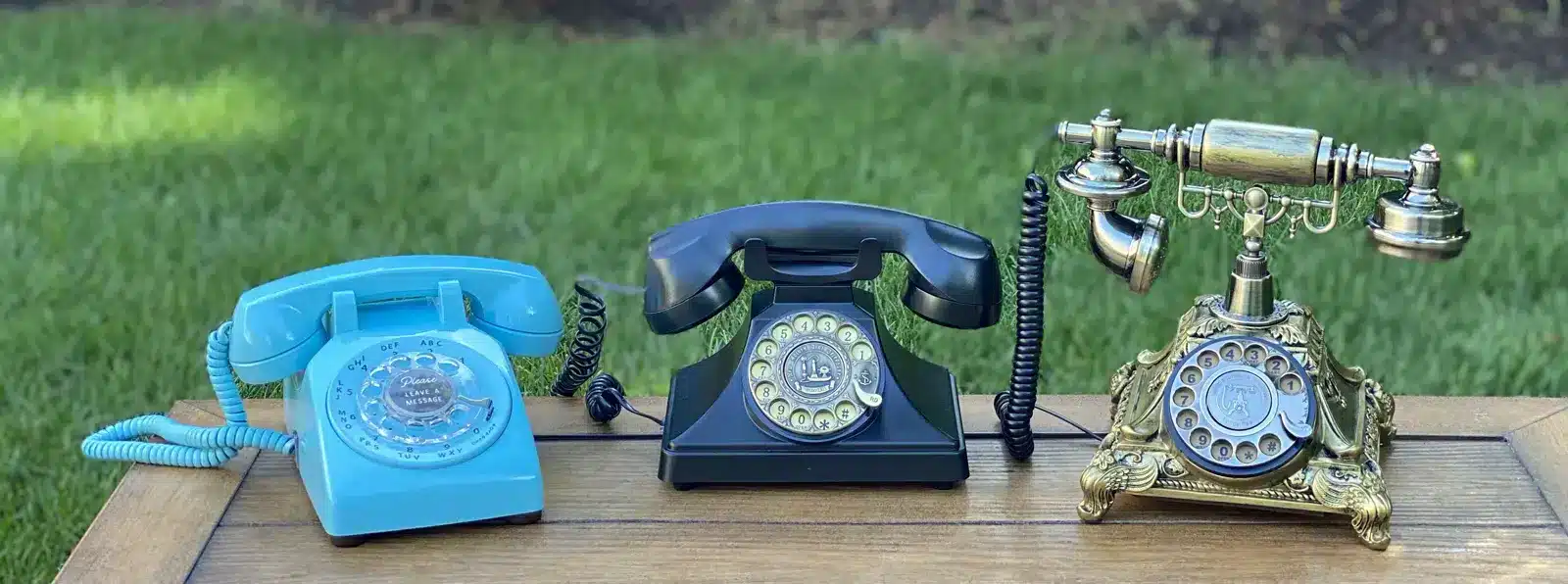
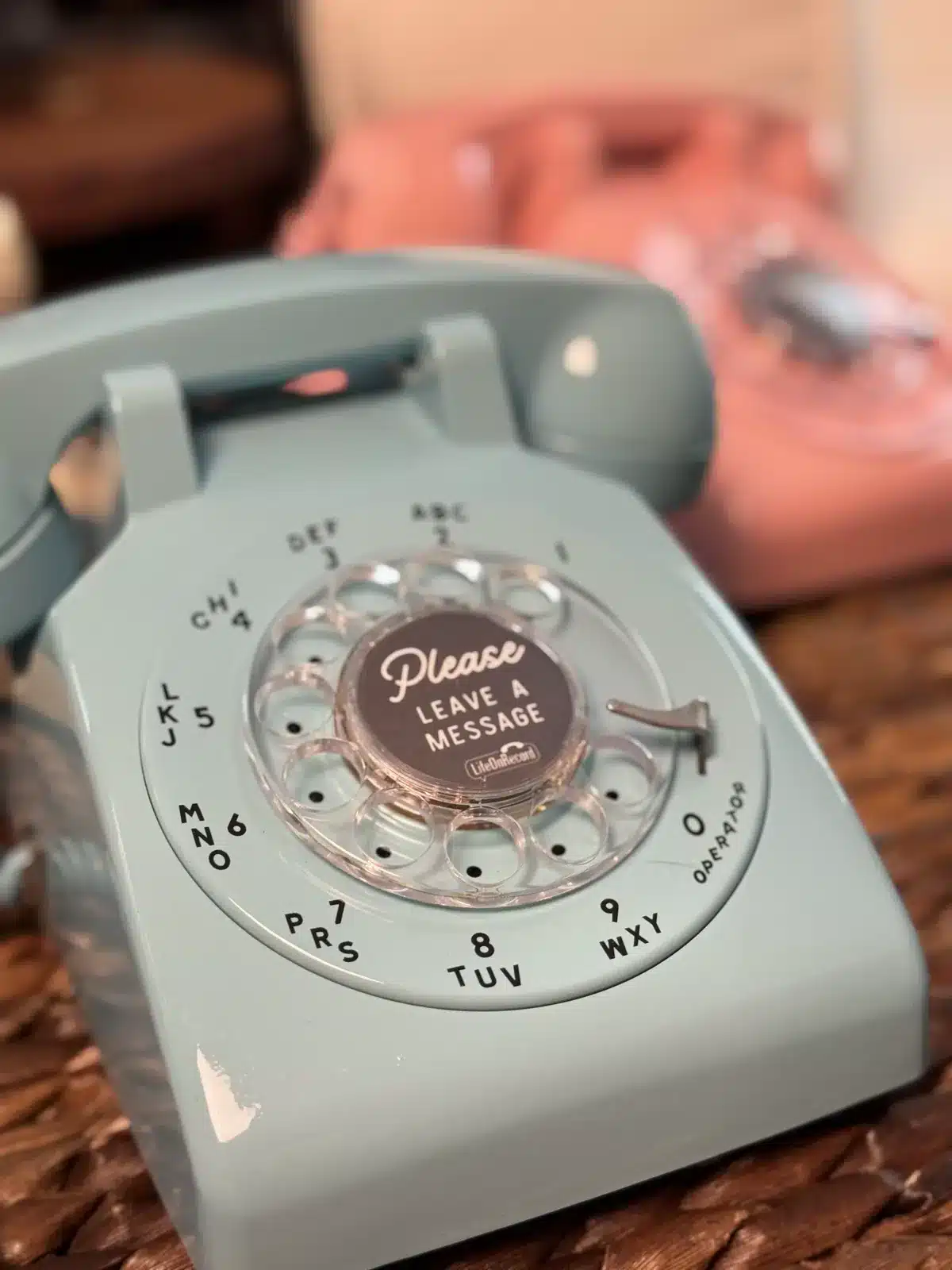
The phone is not an afterthought. For most LifeOnRecord weddings it is the center of the experience: a piece of the decor, a conversation starter, and the place guests return to when they finally know what they want to say. Choose from sixteen vintage and retro styles, including the sculptural Brass and Wood and Rubbed Gold models, classic colors, and ornate statement phones. Every model feeds the same recording, processing, and account system.
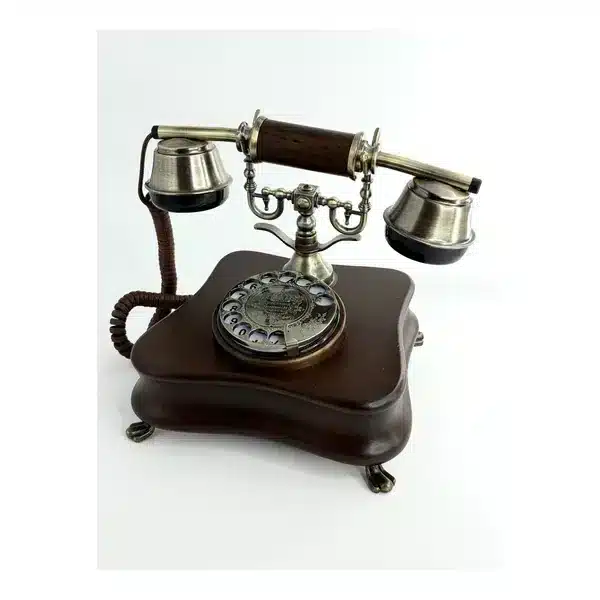
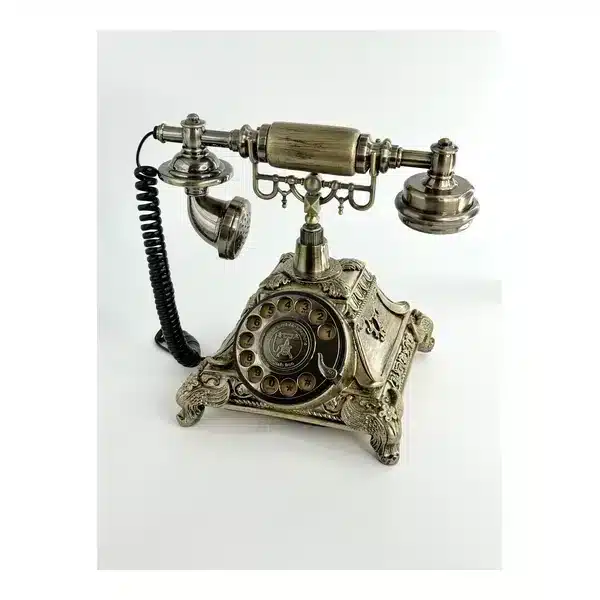
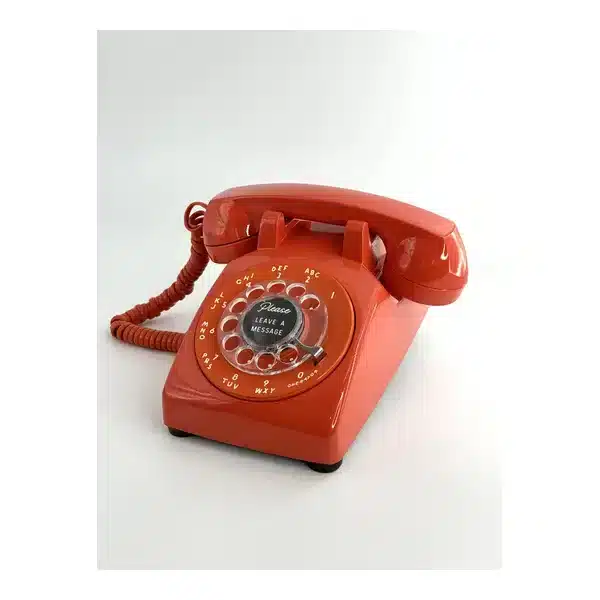
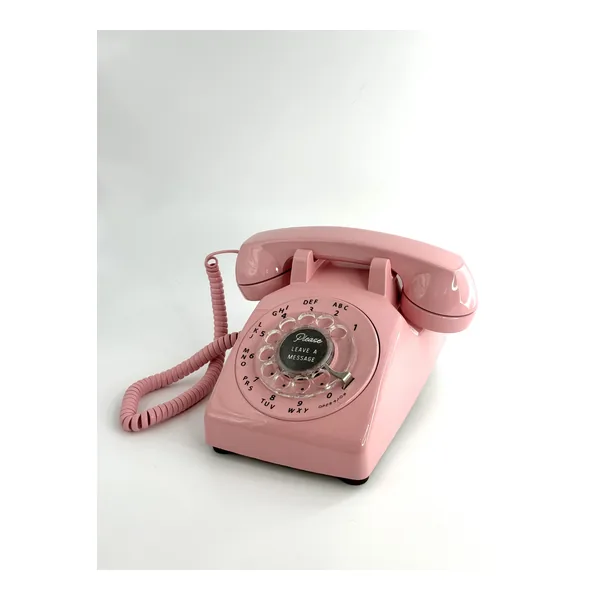
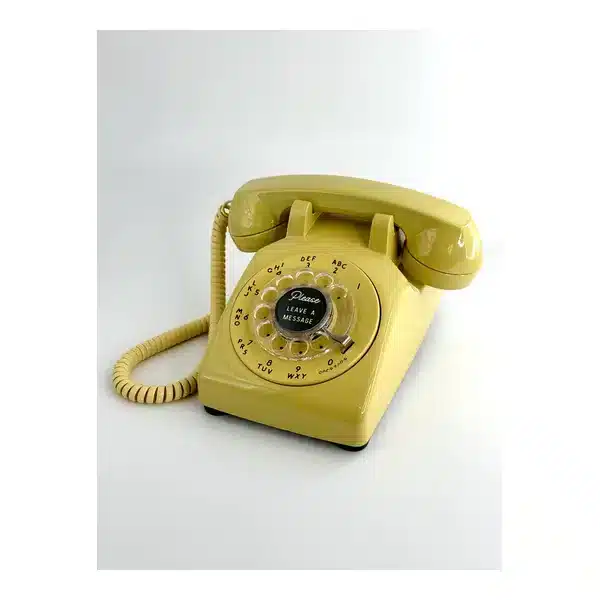
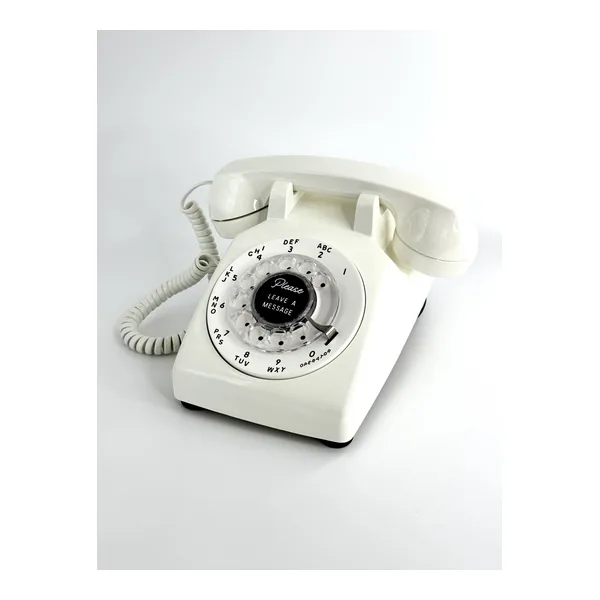
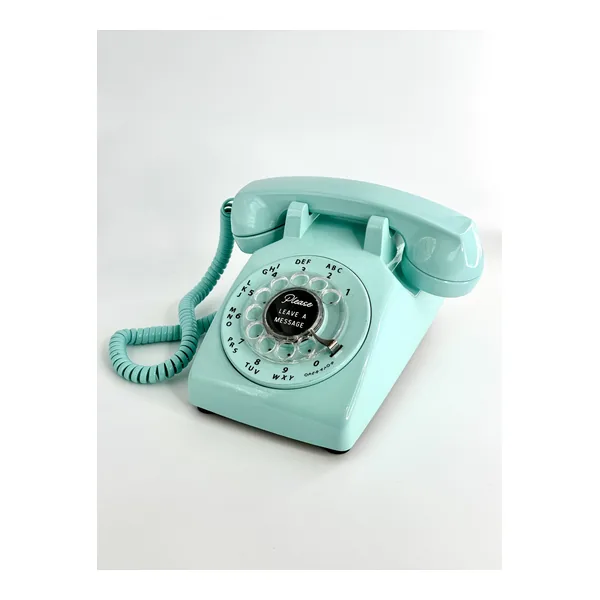
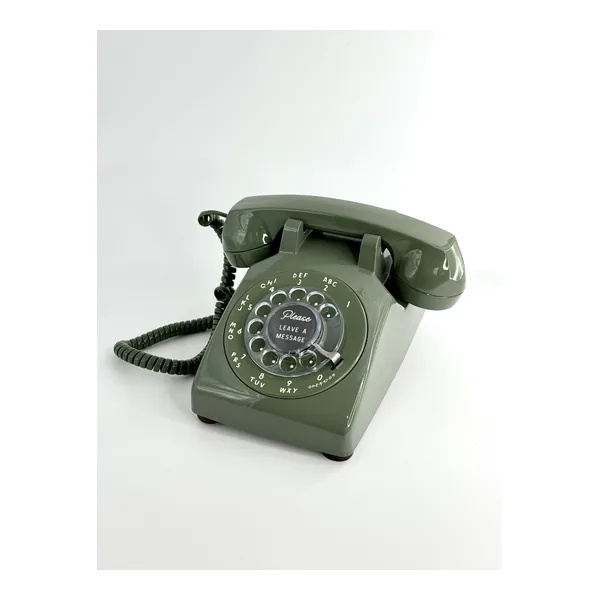
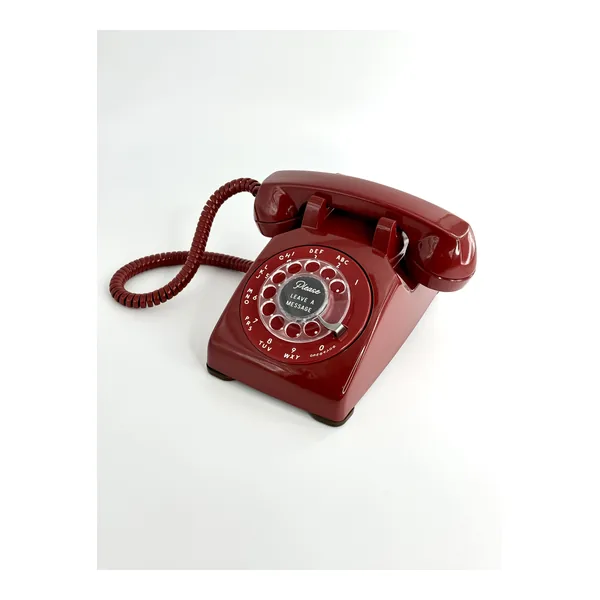
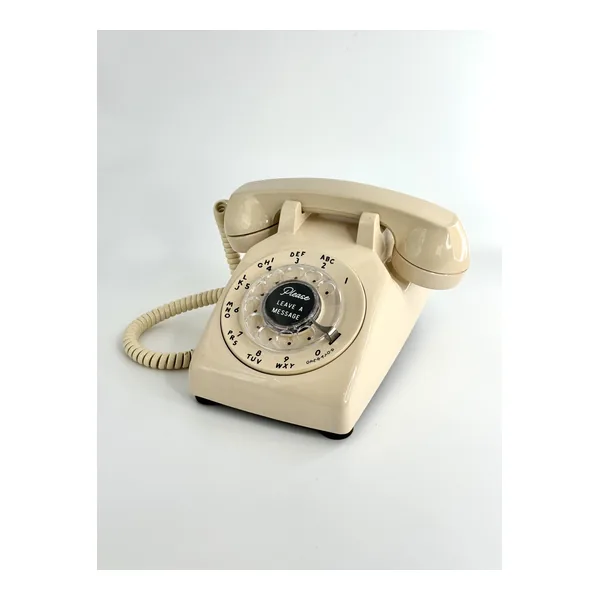
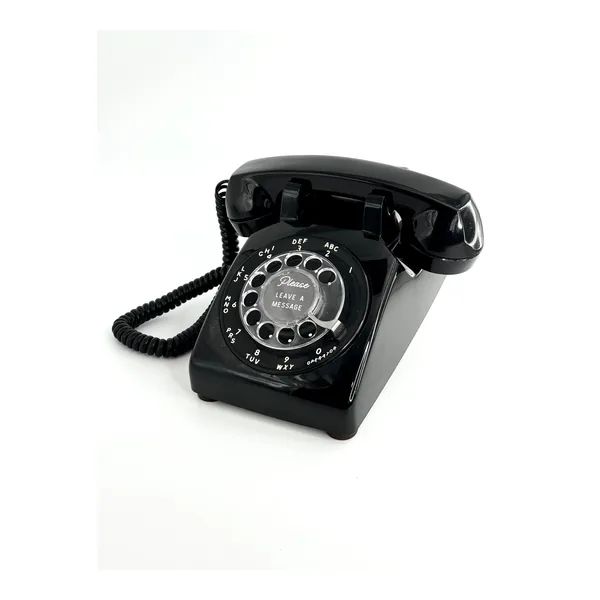
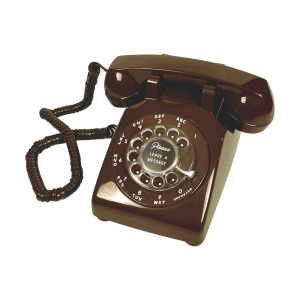
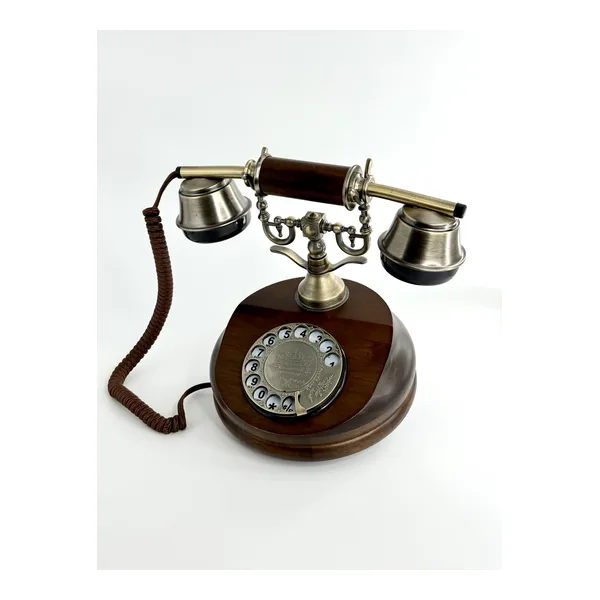
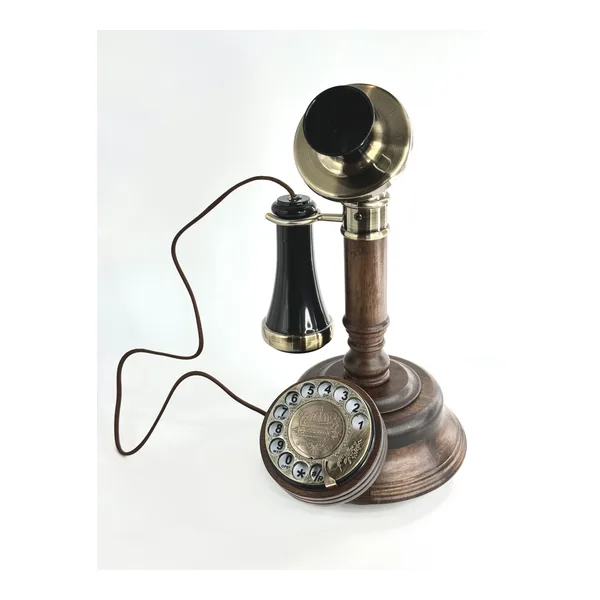
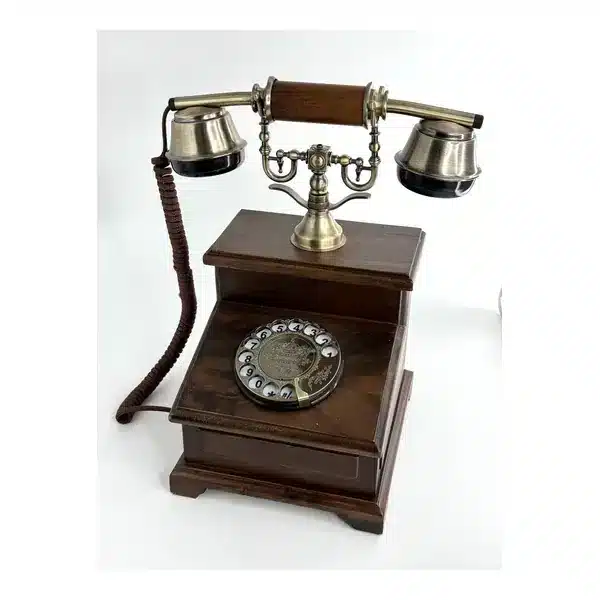
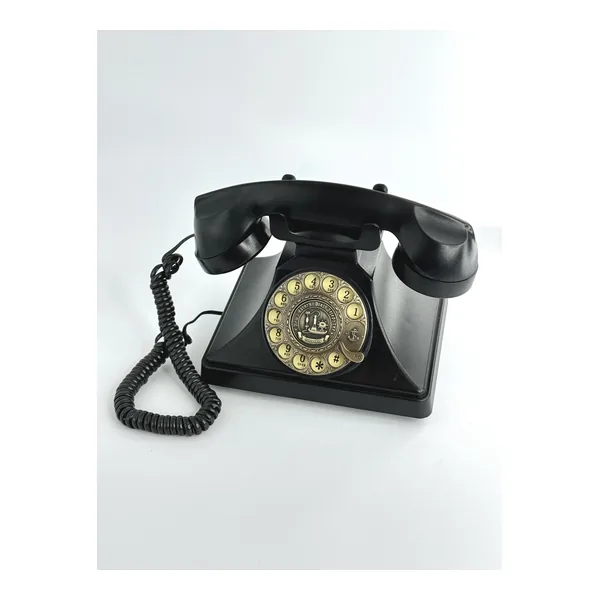
The beautiful phone is the easy part.
The hard part is helping more people contribute, letting the emotions come through, and turning separate messages into a guest book you will actually replay.
01
Before
Open the line while the anticipation is building
Start with RSVPs: ask whether guests are coming, what song will get them onto the dance floor, what wish they have for you, or how they felt when they heard you were getting married. Use the same number for shower advice, the bride’s excitement after finding the dress, bachelor or bachelorette moments, and rehearsal-dinner stories.
02
During
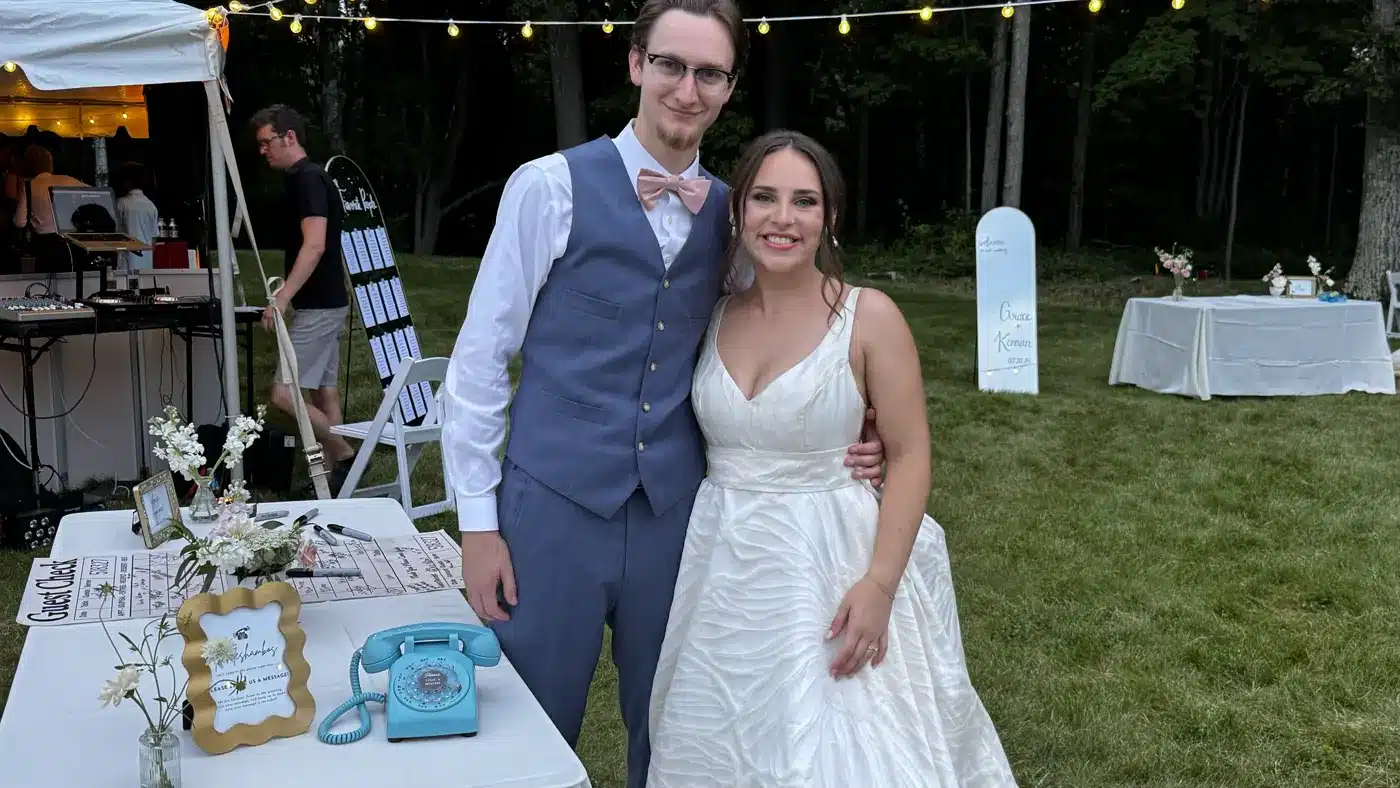
Give guests a phone they want to pick up.
They hear your greeting, leave a message, and hang up. There is no app, login, or set of buttons to learn. The familiar handset makes the action obvious while the unusual object invites curiosity.
03
After
Keep the invitation open after the last dance
Add the included dial-in number, or streamlined QR access from the optional Premium Communication Package, to your thank-you notes so guests have another opportunity to contribute. Phone recordings, dial-in messages, WhatsApp contributions, and uploaded audio all arrive in My Recordings. LifeOnRecord processes and reviews the recordings, and you decide how to title, trim, sequence, download, share, and present the voices that belong in your final playlist.
Your recordings, with real control
Every voice, easy to find.
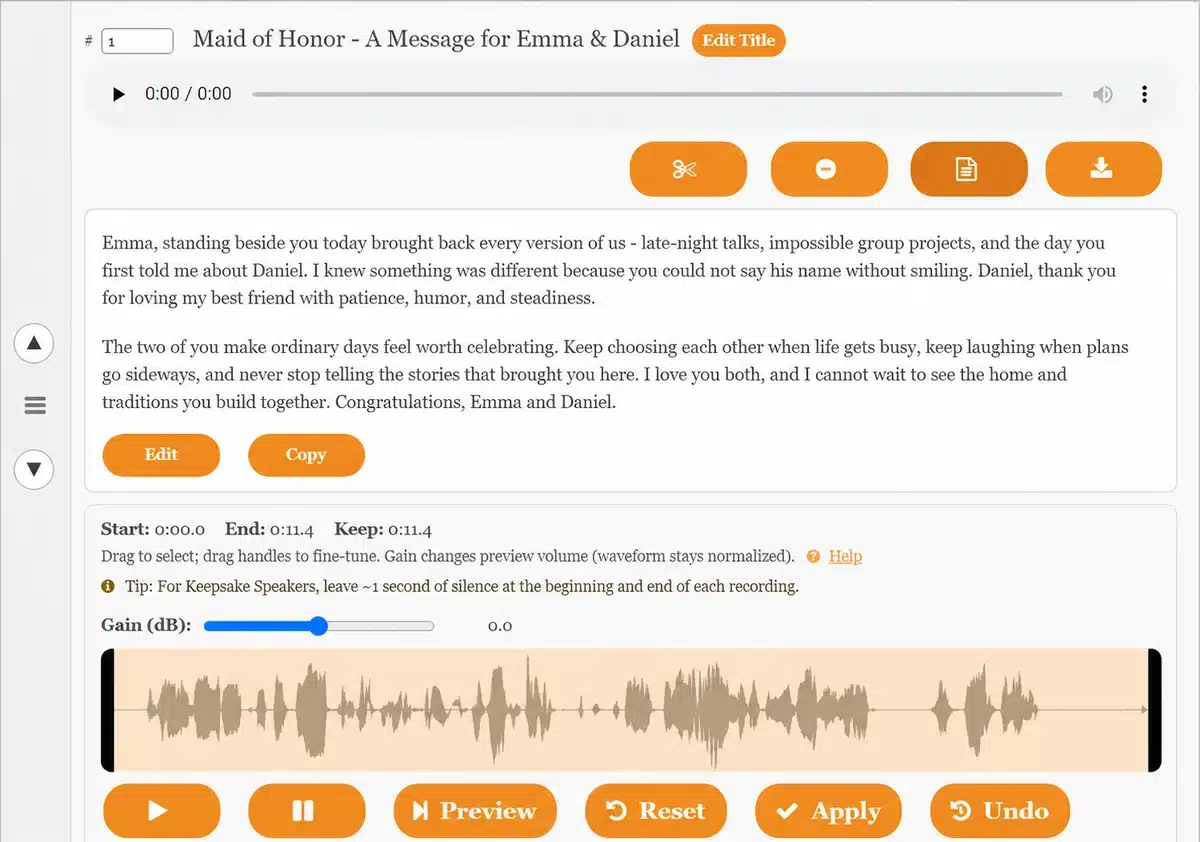
My Recordings keeps each message separate. Add names, review searchable transcripts, trim, reorder, restore originals, download, and create the listening order you want without becoming an audio engineer.
- Waveform controls for precise starts, endings, and light gain changes
- Searchable transcripts that make many recordings easier to scan
- Titles and sequencing that turn separate messages into a deliberate listening experience
- A Playlist link for sharing your curated listening order
- Downloads, undo, and original restoration for confidence while editing
“I did a lot of research on audio quality, and LifeOnRecord is the only one that truly delivered. The noise cancellation meant we could actually hear our guests over the party background, and the recordings were ready for us right after our honeymoon. It was affordable, professional, and the online portal is very easy to use.”
Olivia Bennett
The reception gets loud. Their voices still deserve to be heard.
Reception music and nearby conversations can compete with the person speaking into the phone. The original recording lets you hear that real environment; the processed version uses the same recording after LifeOnRecord audio care and human review. We cannot make every difficult recording perfect, but noise reduction, volume leveling, and speech enhancement can give recoverable words a better chance to come through.
Original reception recording
Processed LifeOnRecord version
Your wedding audio guest book has three jobs.
Give people more than one moment to contribute. Help hard-to-hear words come through. Make every story easy to find and replay.
The wedding-day moment matters. So does everything that helps you hear it again years later.
Participate
Not everyone says it best in a crowded room.
Some guests will use the reception phone. Others can call before or after the wedding, join from afar, or contribute through another method. Their messages arrive together in My Recordings.
- The vintage or retro phone at the reception
- RSVPs, showers, rehearsal-dinner stories, and thank-you notes
- U.S. and international call-in numbers, WhatsApp, email, and uploads
Care
A loud room should not get the last word.
Human review, noise reduction, volume leveling, and speech enhancement give recoverable words a better chance to be heard. Searchable transcripts and preserved originals give you another way back to what was said.
- Human editing and review
- Audio processing for recoverable speech
- Searchable transcripts and preserved originals
Revisit
Turn separate messages into a playlist you will replay
In My Recordings, choose names and order, trim or discard what does not belong, and restore an original if you change your mind. Then share a Playlist Page, download the audio and transcripts, or add a physical keepsake.
- Titles, sequencing, trimming, and trash controls
- A shareable Playlist Page and digital downloads
- Exportable transcripts, like a written guest book
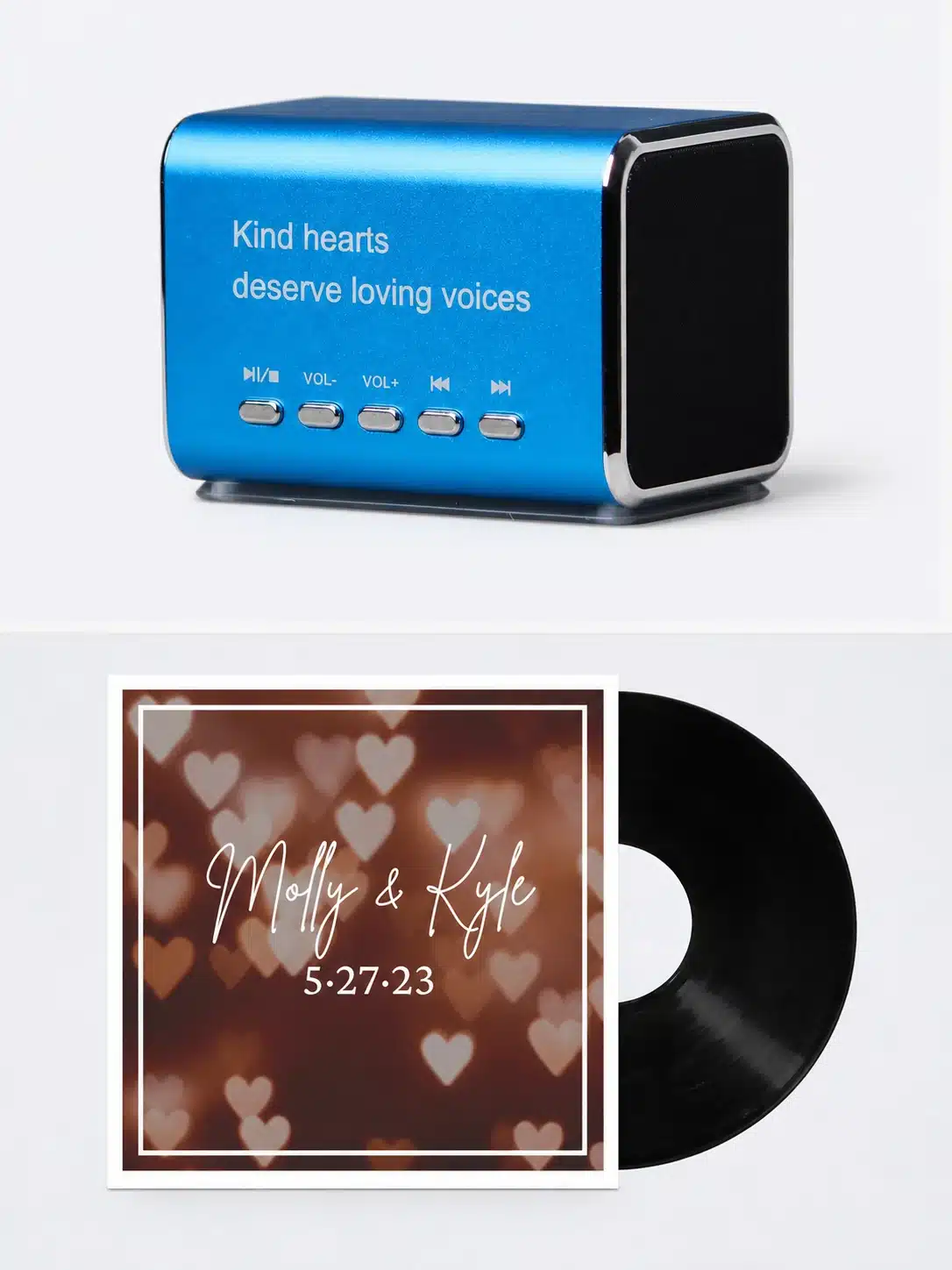
- Optional Keepsake Speaker and vinyl
The phone added to the fun. The support took away the stress.
Makenna explains how guests heard the couple’s greeting, how the dial-in number extended participation, why family-owned support mattered, and how the speaker and vinyl made the voices feel tangible.
“It felt like such a true family-owned experience from beginning to end. The owner was super responsive and made sure that we felt supported and understood the entire process.”
Makenna, LifeOnRecord wedding customer
The wedding ends. The value of their voices keeps growing.
Couples remember distant loved ones joining in, hidden messages before the aisle, laughter returning on anniversaries, and voices becoming more precious with time.
What to compare before you choose an audio guest book.
Look beyond the phone: how guests can participate, what happens to loud-room audio, whether individual messages stay organized and searchable, and what is included versus optional.
How do guests use the phone?
Guests pick up the handset, hear the greeting you recorded, leave a message, and hang up when they are finished. There is no app, login, or set of buttons to learn. Each message is saved separately and later appears with your other wedding recordings.
Does the phone need an outlet?
No. Every rental includes a battery pack with batteries, so the phone can record for about 12 hours without an outlet. An AC adapter is also included if plugging it in works better for your venue.
Can we record our own greeting?
Yes. Record a greeting in your own voices to welcome guests, set the tone, and invite the kinds of messages you hope to keep. A short prompt can help them move beyond congratulations and share a story, wish, or memory you will want to hear again.
Can people who cannot attend leave a message?
Yes. People who cannot attend can use your dial-in and invitation numbers, including country-specific local numbers for many international callers. WhatsApp voice messages, emailed audio, and uploads also go into My Recordings. Even couples who expect to rely on the reception phone often find the dial-in number useful before or after the wedding.
What happens to noisy reception recordings?
LifeOnRecord recordings receive noise reduction, volume leveling, speech enhancement where useful, and human review. This helps voices compete with reception music, nearby conversations, and changing speaking volumes while keeping the message natural.
What can we do in My Recordings?
My Recordings lets you listen, add guest names and titles, trim, reorder, trash, restore originals, download files, and review or export transcripts. When your sequence is ready, create a Playlist Page link that plays the recordings in that order for anyone you share it with. The transcript export gives you the words in writing too, like receiving a written guest book alongside the audio one.
Are the Keepsake Speaker or vinyl required?
No. Digital downloads and the shareable Playlist Page are included with the $99 service, so you can listen without purchasing a physical keepsake. After hearing the recordings, you can decide whether a $49 Keepsake Speaker or $149 vinyl record would add to the way you want to replay them.
What does LifeOnRecord cost?
The LifeOnRecord service is $99 and includes the contribution methods, My Recordings, audio processing and human review, transcripts, the Playlist Page, and digital downloads. An optional phone rental is $149-$199. Other optional additions are the $87 Communication Package, $49 Keepsake Speaker, and $149 vinyl record, so you choose only what fits your wedding.
Is it too late to order?
It may not be too late. For a weekend wedding, the phone normally ships about 10-12 days beforehand. Dial-in and account access begin immediately after purchase, so people can start contributing while the phone is being prepared. Select Secure Your Experience to check your wedding date against live phone availability and see any required expedited shipping charge before completing your order.