

An independent LifeOnRecord guide for After the Tone comparison shoppers
Looking for an After the Tone alternative?
A beautiful phone can start the moment. LifeOnRecord also gives guests ways to contribute before, during, and after the wedding, then gives you audio care, searchable transcripts, downloads, and private tools for organizing every message.
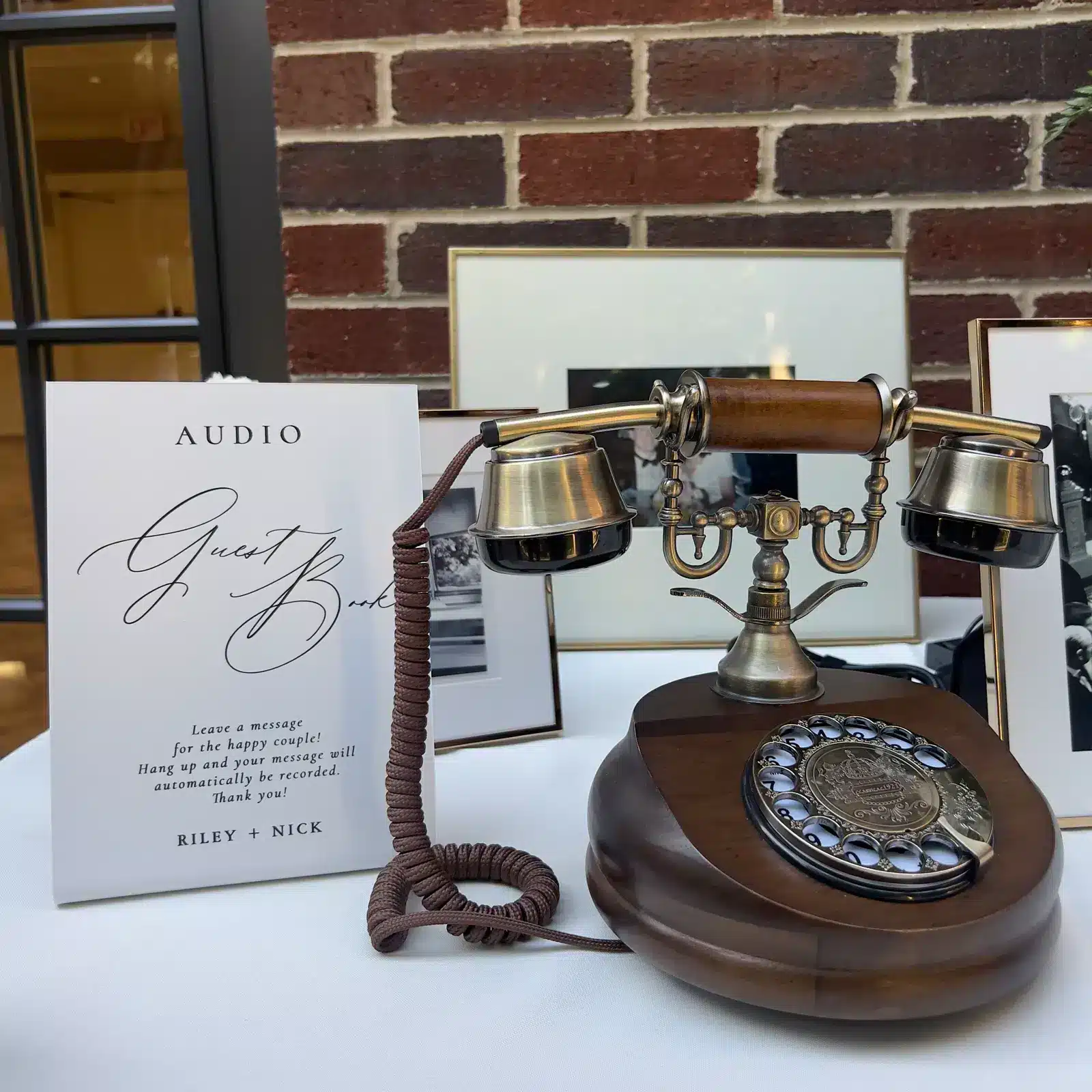
- A vintage or retro wedding phone with your own greeting
- Dial-in, WhatsApp, email, and upload contribution options
- Human review, audio processing, transcripts, downloads, and portal controls
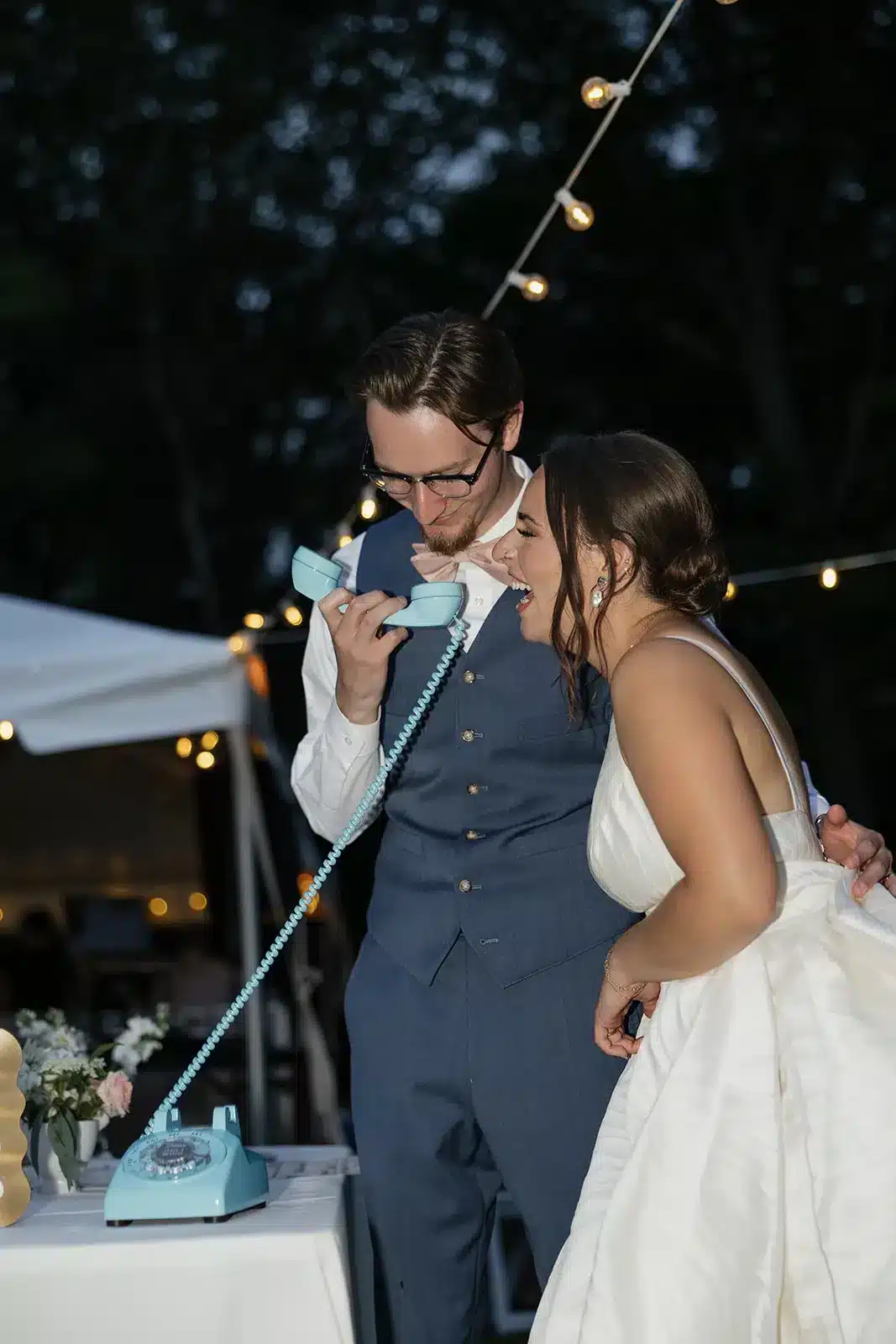
Choose the phone that fits your wedding, then compare the service behind it.
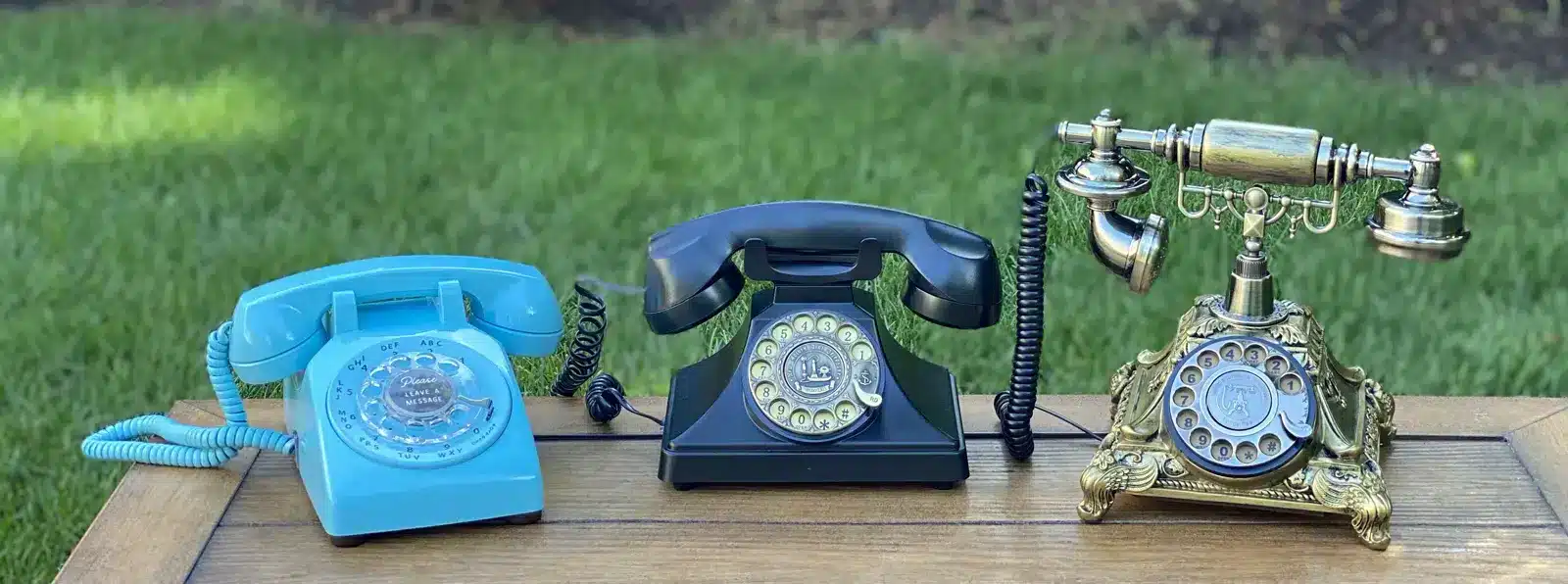
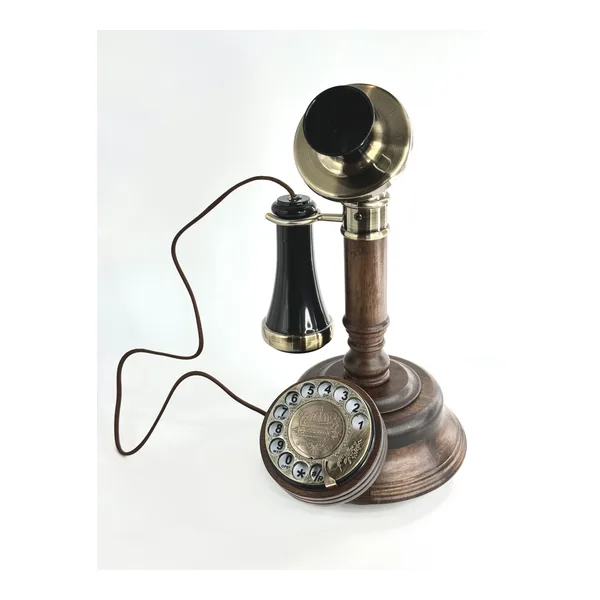
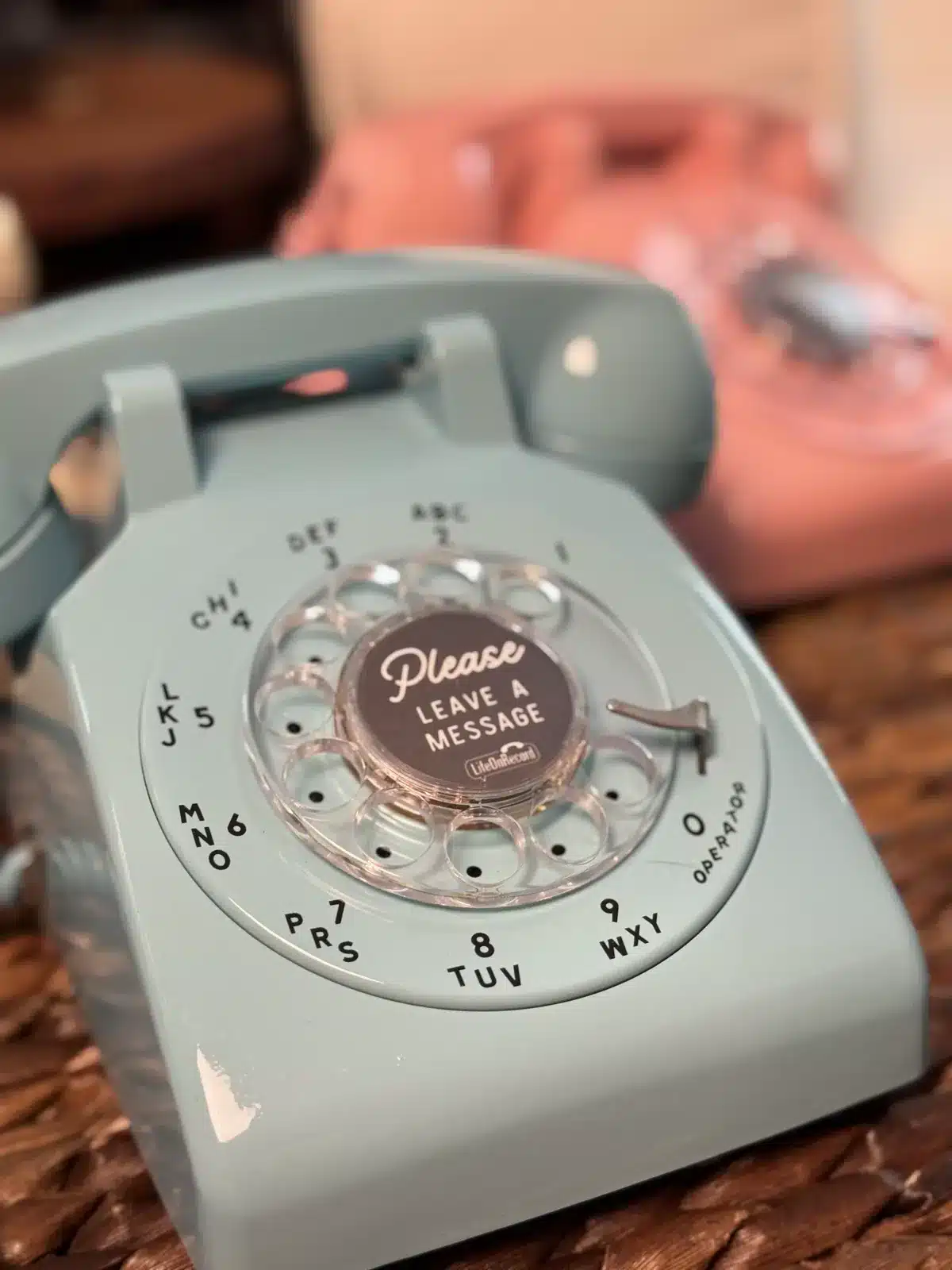
LifeOnRecord offers vintage and retro phone styles for different wedding settings. Every phone connects to the same LifeOnRecord account, contribution, processing, transcript, download, and keepsake system.
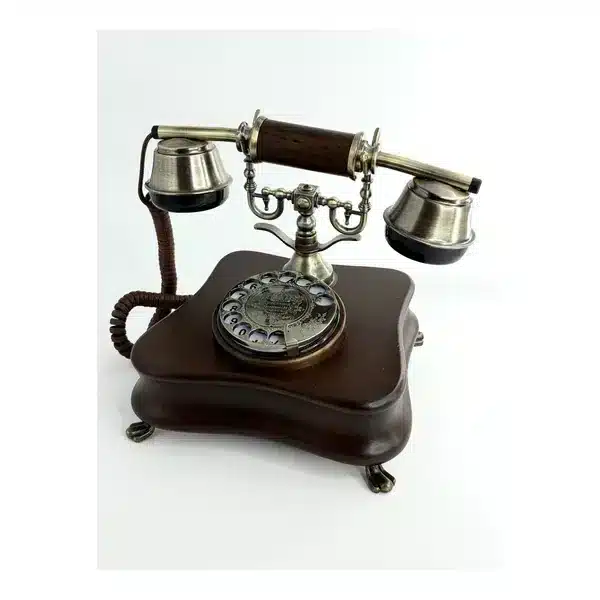
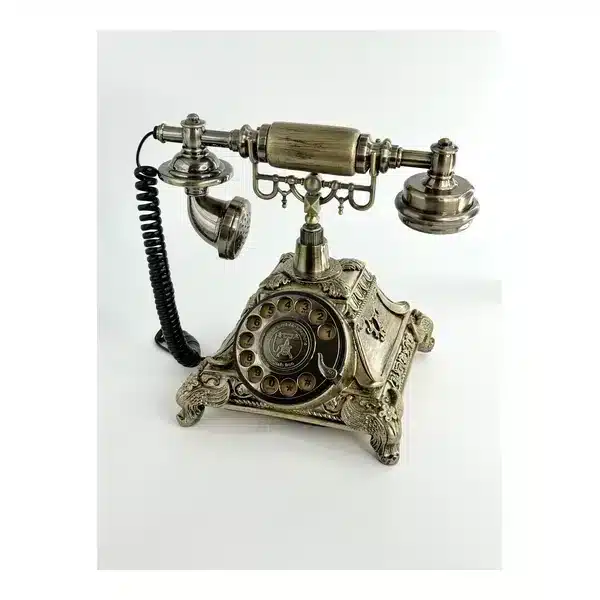

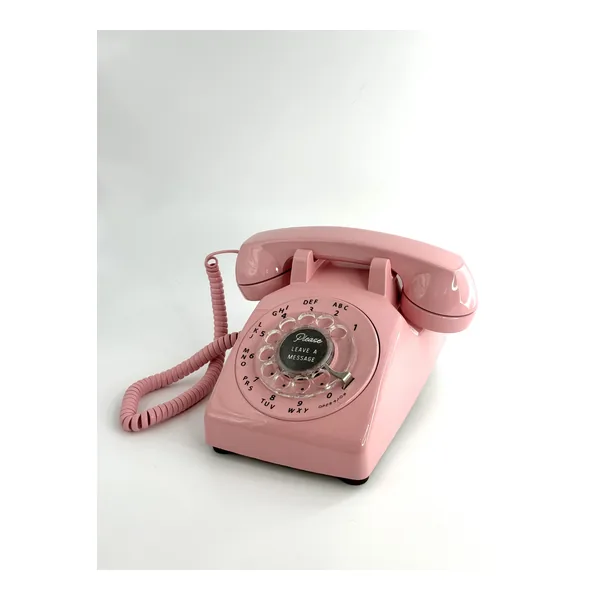
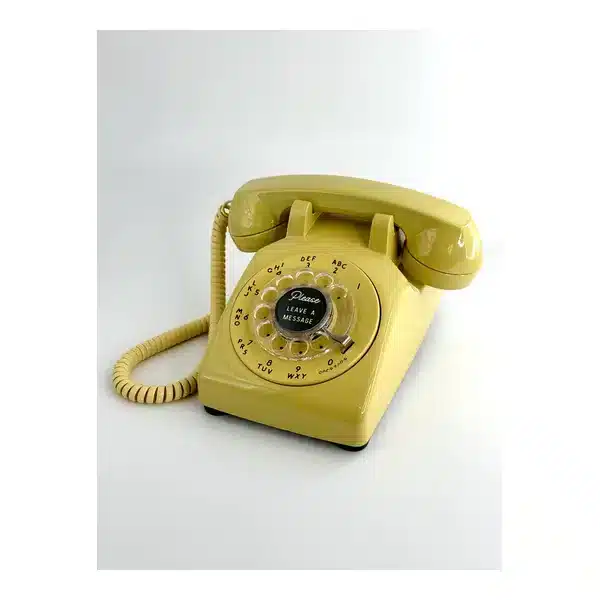
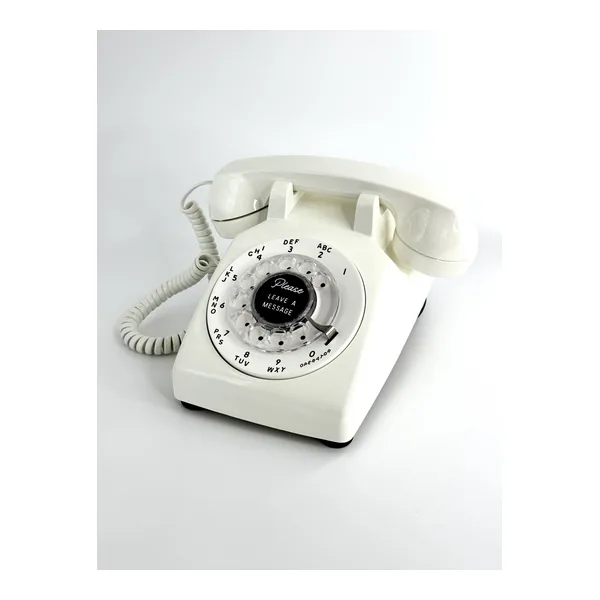
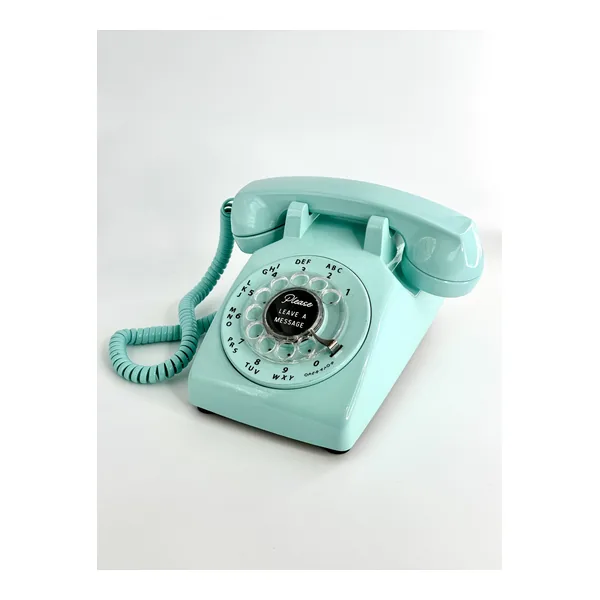
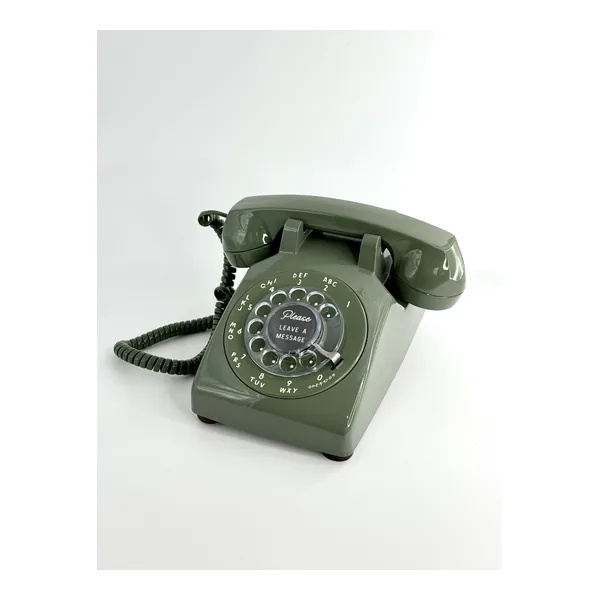
The phone is one moment in a longer wedding story.
Invite contributions across the wedding timeline and keep every recording together instead of limiting the experience to one reception table.
01
Before
Open the line while the anticipation is building
Start with RSVPs: ask whether guests are coming, what song will get them onto the dance floor, what wish they have for you, or how they felt when they heard you were getting married. Use the same number for shower advice, the bride's excitement after finding the dress, bachelor or bachelorette moments, and rehearsal-dinner stories.
02
During
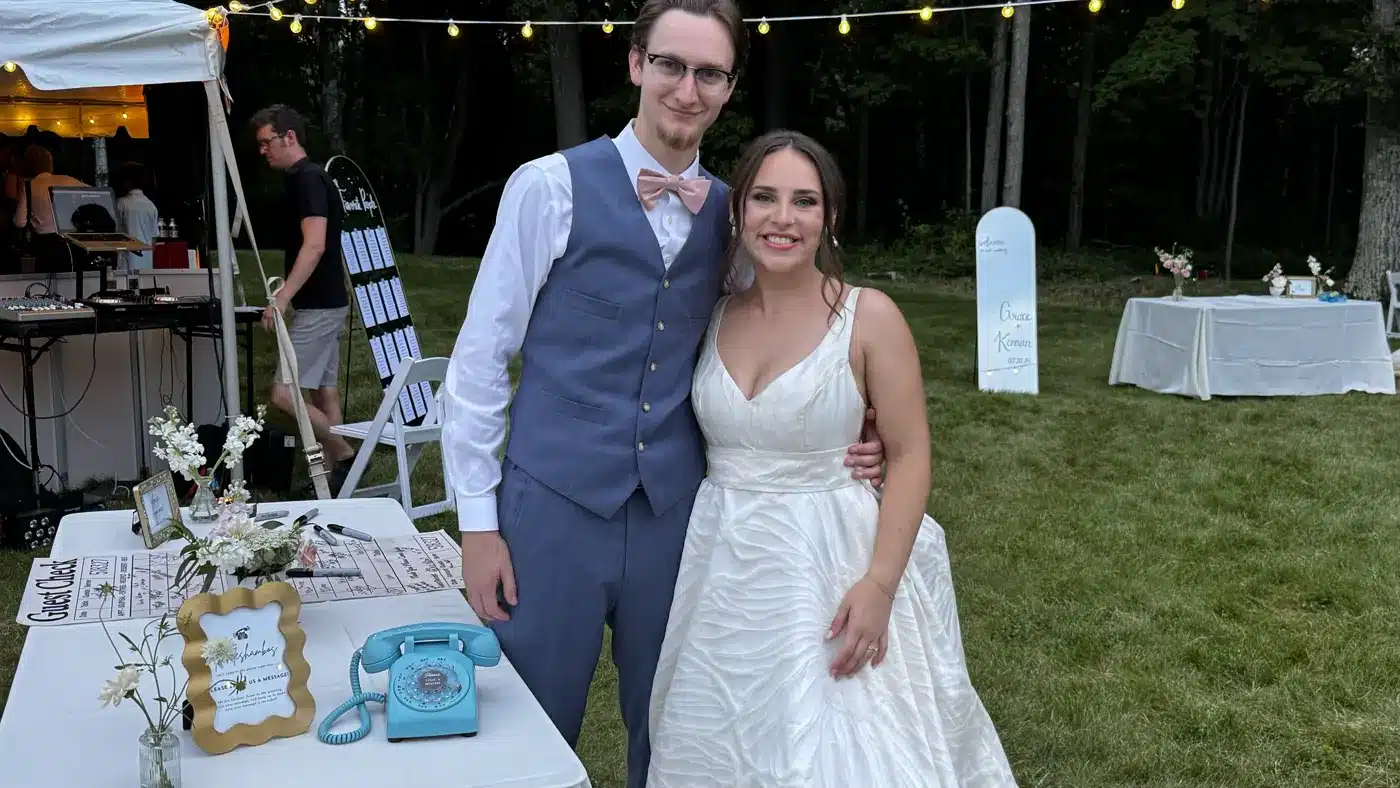
Give guests a phone they want to pick up.
They hear your greeting, leave a message, and hang up. There is no app, login, or set of buttons to learn. The familiar handset makes the action obvious while the unusual object invites curiosity.
03
After
Keep the invitation open after the last dance
Add the included dial-in number, or streamlined QR access from the optional Premium Communication Package, to your thank-you notes so guests have another opportunity to contribute. Phone recordings, dial-in messages, WhatsApp contributions, and uploaded audio all arrive in My Recordings. LifeOnRecord processes and reviews the recordings, and you decide how to title, trim, sequence, download, share, and present the voices that belong in your final playlist.
Your recordings, with real control
After the Tone shoppers should compare what happens after the recording.
My Recordings keeps messages separate and manageable. Add names, review searchable transcripts, trim, reorder, restore originals, download files, and create the listening order you want.
- Waveform controls for precise starts, endings, and light gain changes
- Searchable transcripts that make many recordings easier to scan
- Titles and sequencing that turn separate messages into a deliberate listening experience
- A Playlist link for sharing your curated listening order
- Downloads, undo, and original restoration for confidence while editing
“I did a lot of research on audio quality, and LifeOnRecord is the only one that truly delivered. The noise cancellation meant we could actually hear our guests over the party background, and the recordings were ready for us right after our honeymoon. It was affordable, professional, and the online portal is very easy to use.”
Olivia Bennett
The reception gets loud. Their voices still deserve to be heard.
Reception music and nearby conversations can compete with the person speaking into the phone. The original recording lets you hear that real environment; the processed version uses the same recording after LifeOnRecord audio care and human review. We cannot make every difficult recording perfect, but noise reduction, volume leveling, and speech enhancement can give recoverable words a better chance to come through.
Original reception recording
Processed LifeOnRecord version
Compare the complete audio guest book experience.
A useful comparison covers contribution opportunities, audio care, organization, replay, and optional physical keepsakes, not just the phone on display.
LifeOnRecord combines the wedding-day phone with the tools that help you gather, understand, organize, and revisit the voices afterward.
Participate
Not everyone says it best in a crowded room.
Some guests will use the reception phone. Others can call before or after the wedding, join from afar, or contribute through another method. Their messages arrive together in My Recordings.
- The vintage or retro phone at the reception
- RSVPs, showers, rehearsal-dinner stories, and thank-you notes
- U.S. and international call-in numbers, WhatsApp, email, and uploads
Care
A loud room should not get the last word.
Human review, noise reduction, volume leveling, and speech enhancement give recoverable words a better chance to be heard. Searchable transcripts and preserved originals give you another way back to what was said.
- Human editing and review
- Audio processing for recoverable speech
- Searchable transcripts and preserved originals
Revisit
Turn separate messages into a playlist you will replay
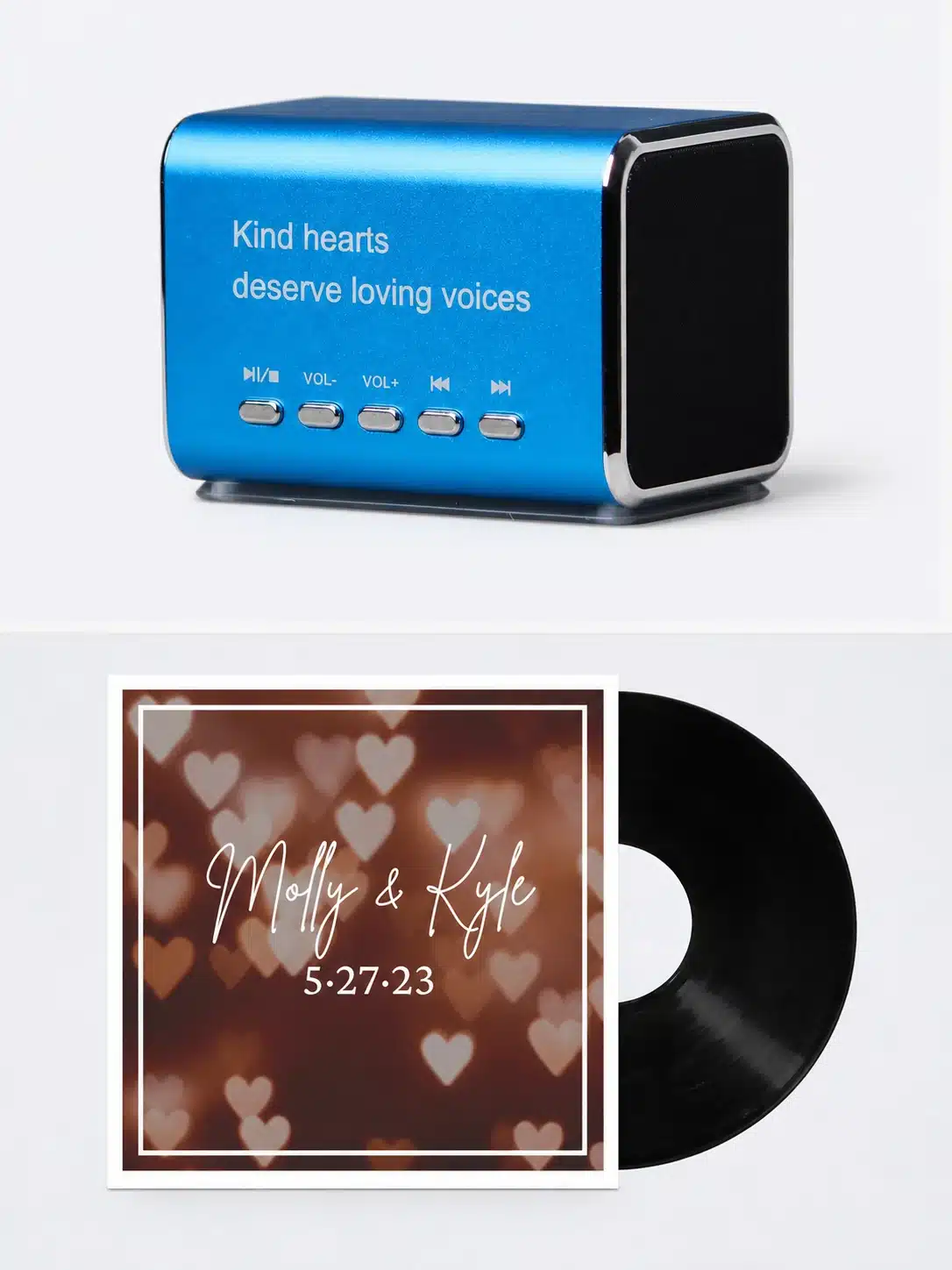
In My Recordings, choose names and order, trim or discard what does not belong, and restore an original if you change your mind. Then share a Playlist Page, download the audio and transcripts, or add a physical keepsake.
- Titles, sequencing, trimming, and trash controls
- A shareable Playlist Page and digital downloads
- Exportable transcripts, like a written guest book
- Optional Keepsake Speaker and vinyl
A LifeOnRecord wedding customer explains the full experience.
Makenna describes the couple's greeting, the reception phone, the dial-in number, responsive support, and the optional speaker and vinyl.
"It felt like such a true family-owned experience from beginning to end. The owner was super responsive and made sure that we felt supported and understood the entire process."
Makenna, LifeOnRecord wedding customer
Couples remember more than the phone in the room.
These LifeOnRecord customers describe remote participation, wedding-day context, easy access, and voices that became more valuable over time.
Questions to ask when comparing an After the Tone alternative.
Use the same checklist for any service: how people contribute, what audio care is included, how messages stay organized, and what is optional.
Is LifeOnRecord affiliated with After the Tone?
No. LifeOnRecord is an independent company and is not affiliated with or endorsed by After the Tone. This page describes LifeOnRecord's own service for people comparing audio guest book options.
What does LifeOnRecord include beyond a wedding phone?
The $99 LifeOnRecord service includes dial-in contribution options, My Recordings, human review and audio processing for dial-in and prepared-phone recordings, searchable editable transcripts, downloads, a shareable Playlist Page, preserved originals, and a lifetime recording archive. A phone rental is optional.
Can guests contribute before or after the reception?
Yes. Guests can use the dial-in and invitation numbers, WhatsApp, email, or uploads as appropriate. The same account can gather messages before, during, and after the wedding.
How do guests use a LifeOnRecord phone?
Guests pick up the handset, hear the greeting you recorded, leave a message, and hang up. The phone can use its included battery pack or AC adapter.
What happens to noisy wedding recordings?
LifeOnRecord provides human review, noise reduction, volume leveling, and speech enhancement where useful for dial-in and prepared-phone recordings. Processing can help recoverable speech, but no service can make every difficult recording perfect.
What can we do in My Recordings?
Listen, add titles, reorder, trim, remove, restore originals, review or edit transcripts, download recordings, and prepare a Playlist Page in the order you choose.
Are physical keepsakes required?
No. Digital downloads and the Playlist Page are included. The Keepsake Speaker and vinyl are optional and can be purchased later.
What does LifeOnRecord cost?
The core LifeOnRecord service is $99. Optional phone rentals are $149-$199. The Premium Communication Package is $87, the Keepsake Speaker is $49, and vinyl is $149.